A Month-Long Fight Over One Online Payment
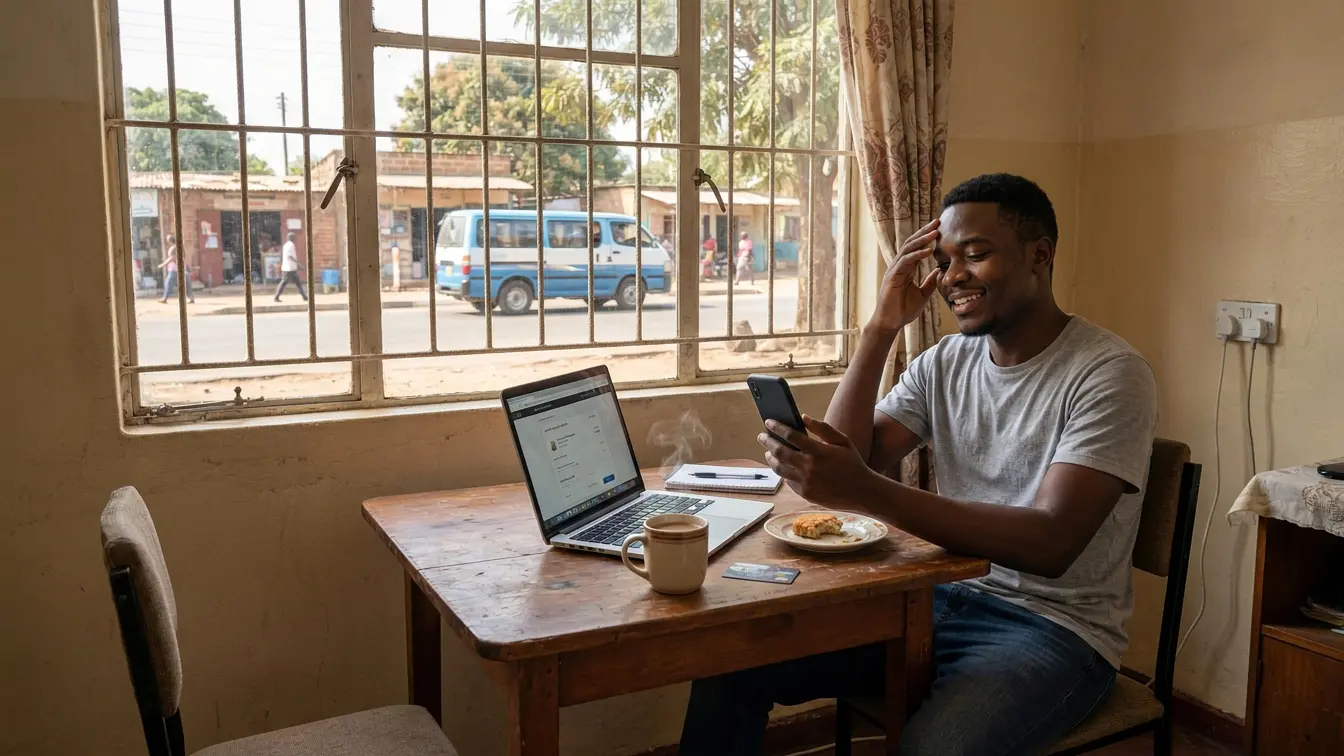
My experience with the Zanaco Xpress card hasn’t been good lately, and I won’t get into the details. What I will say is that the irony hurts. All I wanted was to use the card to make an online payment. I spent over a month fighting to do it.
Picture it. You have the money. You need to pay for something urgently. And the only thing standing between you and the Pay button is your own payment service provider. It felt like being locked outside my house while holding the key.
Company policy and procedure exist for good reasons, security and compliance among them. But when a process stops a customer from paying, it stops protecting anyone and becomes a very organized way of losing people. It’s important to strike a balance between policy and user experience: rules that keep money safe, and an experience that lets people actually use it.
The Plot Twist: Two Cards I Didn’t Know Existed
Then I stumbled into Global Pay by Airtel. I literally didn’t know it existed. The same goes for MTN’s virtual card. Both features are tucked away, one inside the app and the other somewhere in the USSD options, as if Airtel and MTN expect their customers to stumble into them like a forgotten K50 note in an old jacket.
And let’s be fair to customers. Nobody opens an app and taps every button out of curiosity. Add money to the mix and people get even more careful, which is understandable. We’ll happily try a new photo filter. We’re far less excited about trying a new way of moving our cash.
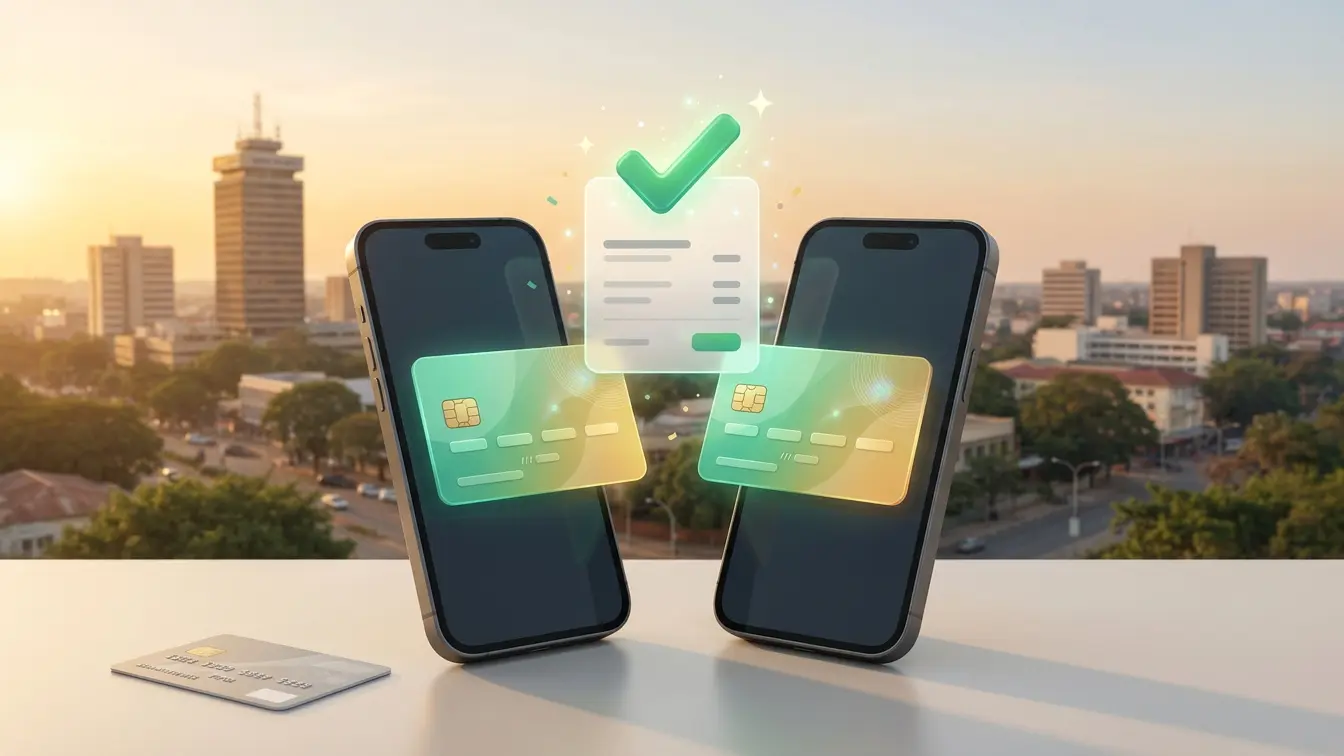
Here’s the good part. Setting up Airtel’s Global Pay only takes seconds, and the payment process is smooth too. Gone are the days of wading through bank bureaucracy just to make a, well, let’s just say not-very-big transaction. Of course, certain transactions may still require a bank. But for most people, Airtel Global Pay or MTN’s virtual card solves the online payment problem.
Facebook Is Not a Search Engine (Sorry, Facebook)
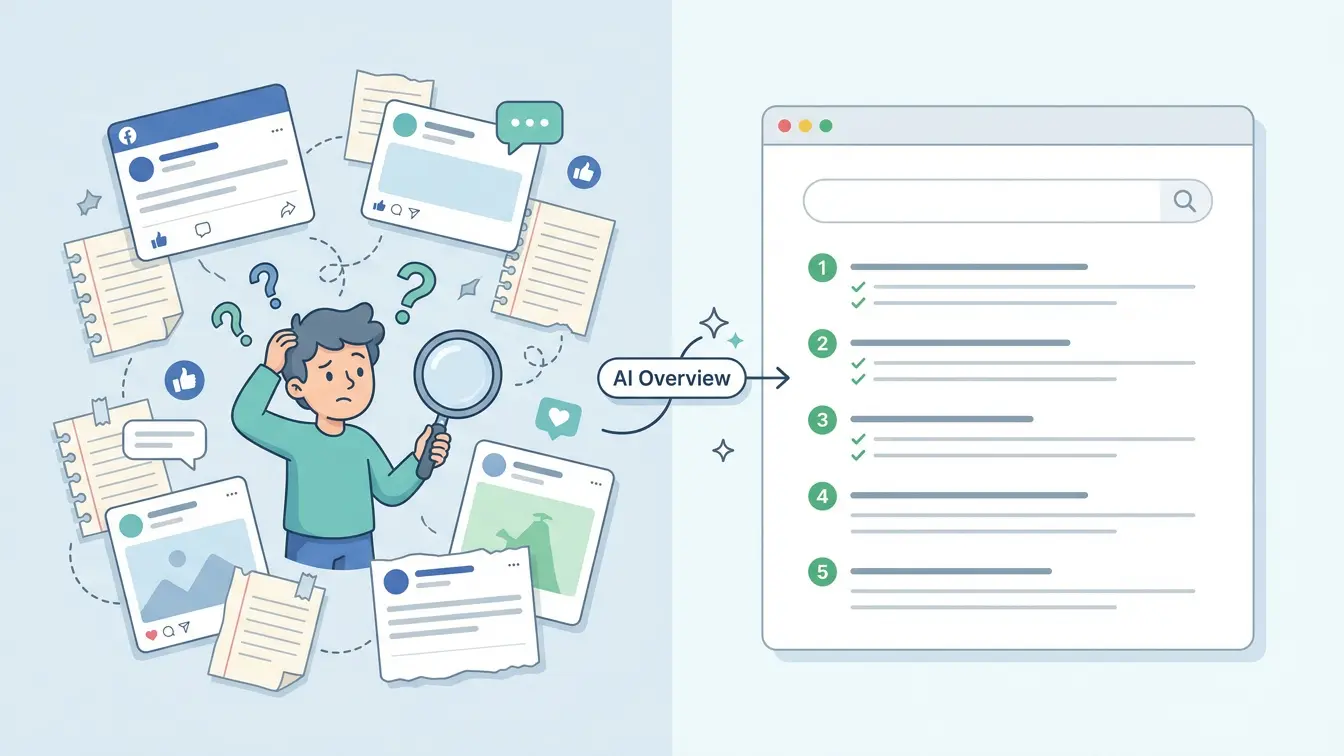
One thing worth mentioning is how heavily Zambian businesses lean on Facebook. Almost everything about Airtel Global Pay and MTN’s virtual card lives there, in fragmented posts scattered across pages. Facebook is great, and its search is fine, but it is not a search engine. People look for answers on Google. If you rarely use Facebook, or you don’t follow those pages, you’ll probably never see those posts.
Thankfully, Google’s AI Overview pulls data from all those fragmented posts and assembles something close to an article, with steps you can actually follow. Somewhere, an algorithm is doing the communications team’s job and not getting a bonus for it.
Bottom line: both Airtel and MTN can do better at promoting these services, because they are game changers. Until they do, consider this guide a public service announcement.
Before You Start: A Quick Checklist
A registered Airtel Money or MTN MoMo wallet on your own SIM.
The latest version of the MyAirtel app or the MoMo app (update it first, since both have been redesigned recently).
Some money in your wallet, enough for your purchase plus a little extra for exchange rates and charges.
For Airtel, your ZRA TPIN registered and updated on your Airtel Money account.
Airtel Money Global Pay: Step-by-Step Setup
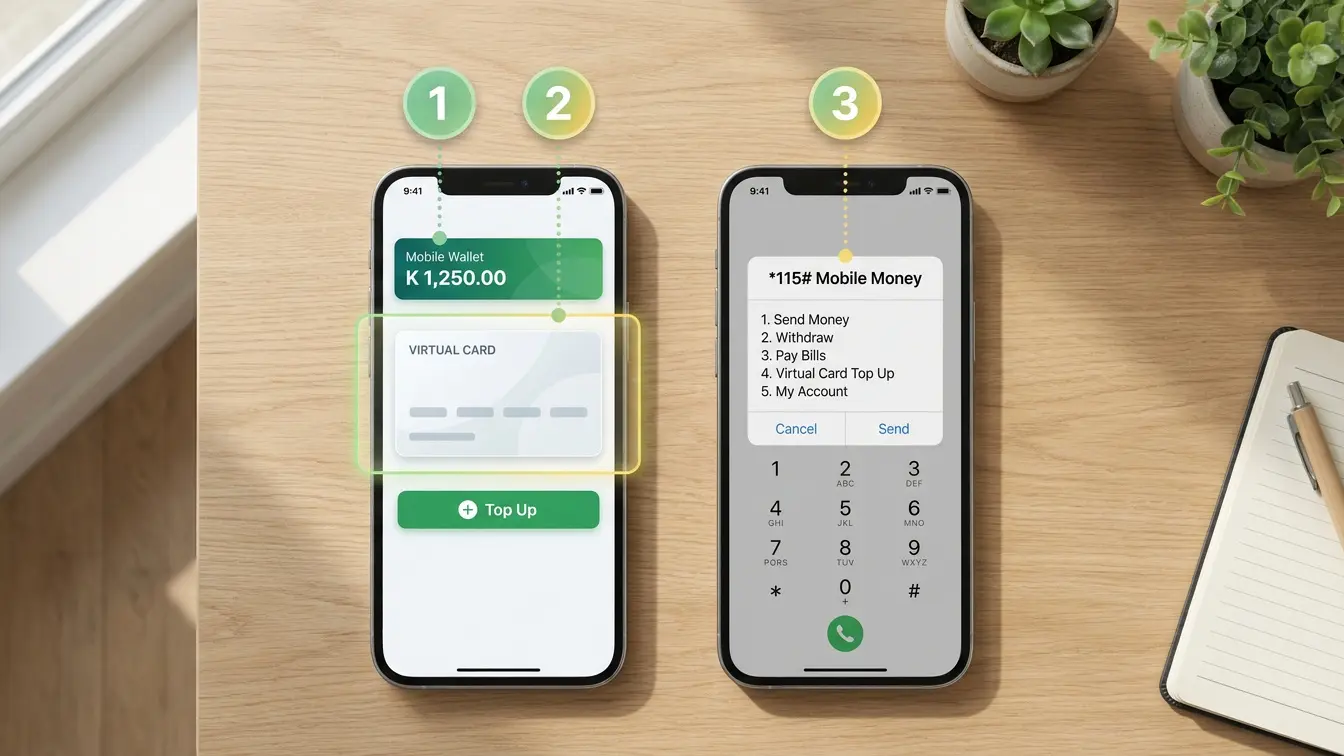
Airtel Money Global Pay is a Mastercard-powered virtual card that lives inside the MyAirtel app. It’s designed for instant issuance, in-app top-ups, live exchange rates and real-time spend controls, and it works for both international and domestic payments without a traditional bank account.
Open the MyAirtel app and log in. Update it first if you haven’t in a while.
On your Airtel Money dashboard, tap the Mastercard logo.
Read and accept the Terms and Conditions.
Confirm with your Airtel Money PIN.
Make sure your ZRA TPIN is registered and updated on your Airtel Money account. Once it’s validated, you’ll receive an SMS confirmation.
Load the card with money from your Airtel Money wallet using the in-app top-up option.
That’s it. Airtel itself describes the process in three steps: activate the card on the MyAirtel app, load it with funds from your wallet, and transact. Your card details, meaning the card number, expiry date and security code, are shown inside the app.
How to pay with it:
At checkout, choose to pay by card.
Enter the card number, expiry date and security code from your MyAirtel app.
Check the amount and currency before you confirm, and approve any prompt or code that follows.
Open the app afterwards to confirm the transaction and your remaining balance.
Bonus features include real-time spend controls and live exchange rates, so you can see what you’re really paying when a merchant charges in foreign currency.
MTN MoMo Virtual Card: Step-by-Step Setup
MTN launched its MoMo Virtual Card in December 2025, powered by Mastercard, with UBA Zambia as the licensed BIN sponsor. It’s a prepaid card, meaning you only load the amount you need for online payments. It also comes with a separate virtual card wallet, so the money you set aside for online use stays isolated from your main MoMo wallet. That’s handy if you’re the type who “accidentally” spends everything by the 20th.
Option 1: Using the MoMo app
Open the MoMo app and log in.
Tap the card icon in the top left corner.
Tap Activate your virtual card.
Fund the card from your main MoMo wallet.
Option 2: Using USSD (no smartphone data needed)
Dial *115#.
Select option 7, Financial Services.
Select option 1, MoMo Virtual Card.
Follow the prompts to activate and fund the card.
How to pay with it: At checkout, choose card payment and enter your virtual card number, expiry date and security code. Because the card uses OTP (one-time password) verification, keep your phone close, since you may be asked to confirm the payment with a code.
A quick warning: older guides online describe a 2018 MTN virtual card created through *303# that expired after seven days. That’s the old version. Follow the steps above, not a five-year-old blog post.
Airtel vs MTN at a Glance
Airtel Money Global Pay | MTN MoMo Virtual Card | |
|---|---|---|
Card network | Mastercard | Mastercard |
Where to set it up | MyAirtel app | MoMo app or *115# |
Funding | From your Airtel Money wallet | From your MoMo wallet into a separate card wallet |
Notable extras | Live exchange rates, spend controls, custom card design | OTP verification, isolated card wallet |
Heads-up | Needs your ZRA TPIN on file | Needs an active MoMo wallet |
Which one should you pick? Use the network you already hold the most money on. If you’re curious, set up both. Having a backup card is like having a spare tire: boring until the day you need it.
Tips for Smooth (and Safe) Online Payments
Load only what you need. A virtual card is safest when it holds just enough for the purchase.
Keep a small buffer. Exchange rates and charges can nudge the final amount up.
Check current fees in the app. I haven’t verified today’s charges for either card, and fees change, so confirm before you pay.
Never share your PIN or OTP. Not with a seller, not with a “provider agent” on WhatsApp, not with your best friend.
Stick to trusted websites. Confirm the merchant is legitimate and accepts Mastercard before you pay.
Screenshot your receipt. In the future you will be grateful.
If a payment fails, check that the card is active, the balance is enough, and the merchant accepts Mastercard, then contact Airtel or MTN support.
App menus and rules can change, so if a screen looks different from what I’ve described, follow what your app shows and check Airtel or MTN’s official channels.
When You Still Need a Bank
Let’s keep it honest. Virtual cards won’t solve everything. Large payments, merchants who don’t accept them, and transactions that exceed your wallet limits may still need a bank. But for the everyday online payments most of us make, such as subscriptions, small purchases and urgent top-ups, these cards are a quicker and calmer route.
Final Thoughts
I went from a month of frustration to a payment that took minutes, all because I stumbled upon a feature that both networks barely advertise. That shouldn’t be a matter of luck. Airtel and MTN have built something genuinely useful, and they should say so loudly, everywhere, not only in Facebook posts that vanish down the feed.
If you’ve been stuck at the checkout page, try one of these. Then tell a friend, because apparently word of mouth is the best marketing these services have.