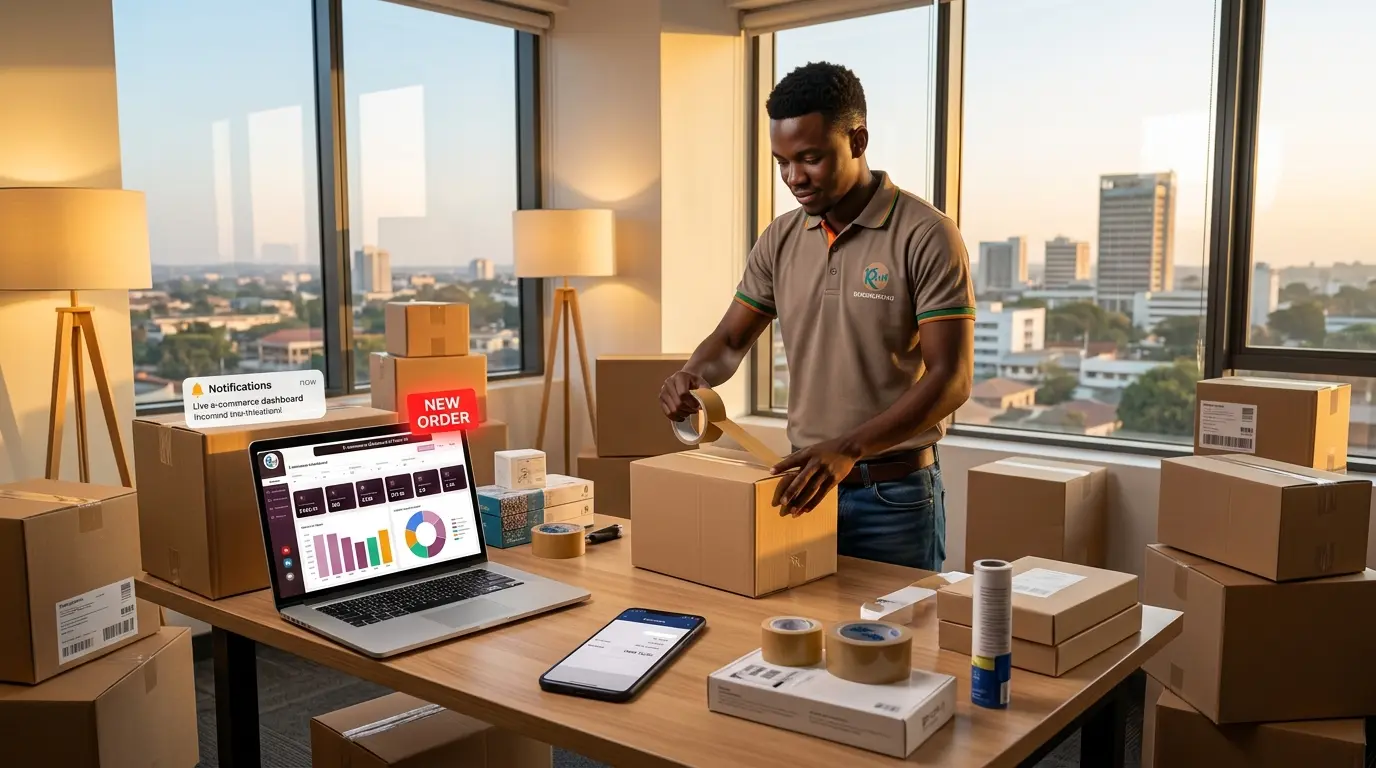
Picture this. You open a brand-new shop in a busy Lusaka shopping center. Gleaming shelves, trending stock, fresh paint, flyers so good they should win an award.
Opening day arrives. Customers walk in, fall in love with your products, and reach for their wallets. Then your cashier makes an announcement: “Sorry, we only accept international wire transfers from a bank you’ve never heard of. No cash, no local cards, no mobile money.”
How many customers stay? Roughly none. They leave your products on the counter and head for the shop that actually wants their money.
Yet every year, Zambian entrepreneurs launch online stores that make this exact mistake. The website is beautiful, but it ignores how Zambians really pay, it crawls on a phone, and Google has no idea it exists.
If you’re ready to graduate from informal WhatsApp seller to running a structured, automated online business, here is your blueprint for 2026: the platform, the payments, the mobile experience, the SEO, and the delivery.
Step 1: Choose Your Digital Real Estate
Before you photograph a single product, decide where your shop will live. In Zambia you have two reliable paths.
Option A: WordPress + WooCommerce (the local favorite)
WooCommerce is an open-source plugin that turns an ordinary WordPress site into a fully working online store (see my breakdown of the best e-commerce platforms for the full picture).
Why it wins in Zambia:
You own your files and your store outright.
There is no monthly platform subscription billed in US dollars. (You still pay for hosting and a domain, so budget for those.)
Local developers can connect custom payment gateway APIs without drama.
WordPress’s built-in blogging and SEO structure makes it easier to rank your product categories on Google.
Option B: Shopify (the hosted engine)
Shopify is a global platform built for online retail. It handles hosting, server security, and software updates for you, like a landlord who actually fixes the plumbing.
The catch: Shopify bills you in US dollars every month, and connecting local mobile money to its core checkout can require a third-party app or a regional workaround.
The verdict: for most growing Zambian retailers, a professionally optimized WooCommerce build gives the best balance of local payment flexibility and long-term cost.
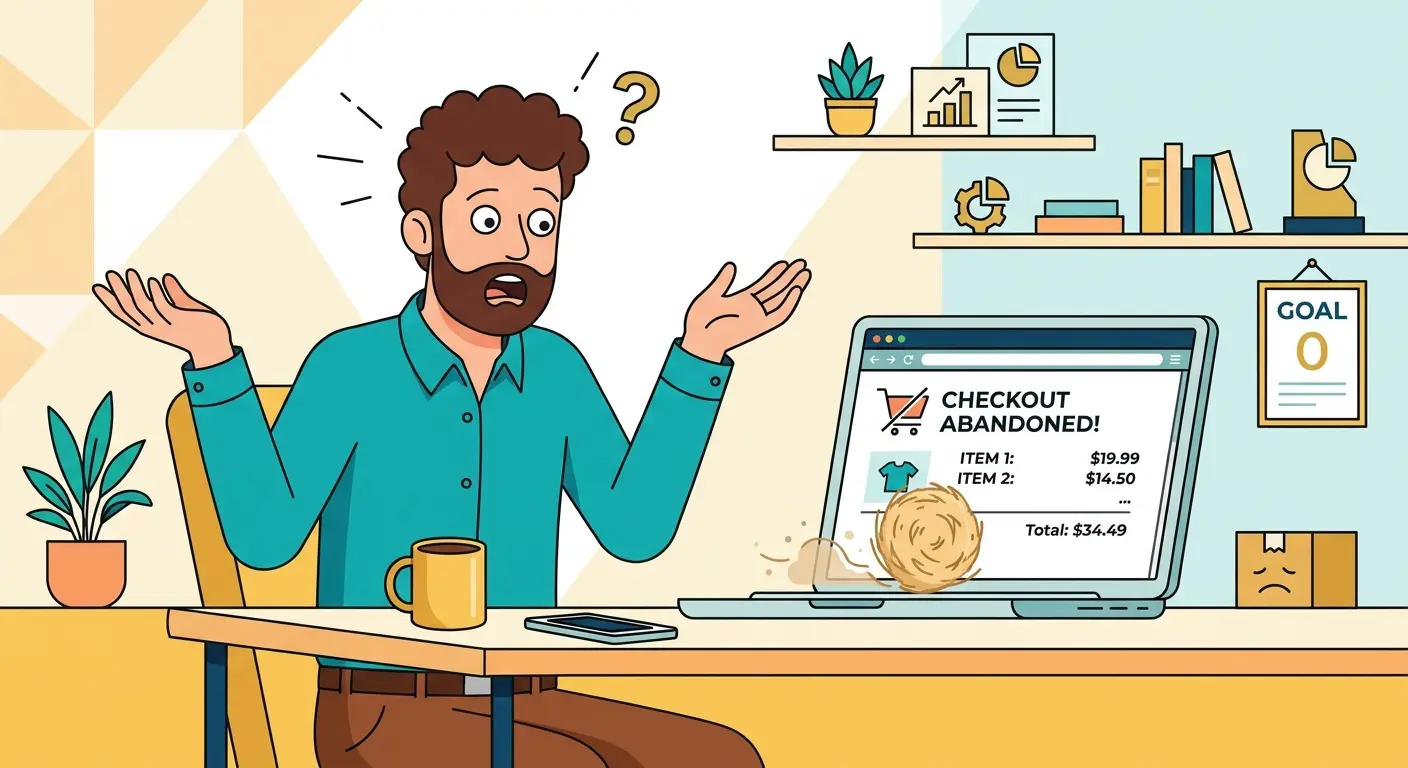
Step 2: Fix the Checkout
This is where most Zambian online stores lose the sale. If your checkout accepts only international credit cards or PayPal, you are locking out the majority of your local market, and your checkout page is basically that cashier from the intro.
Your checkout needs to support how Zambians actually spend money:
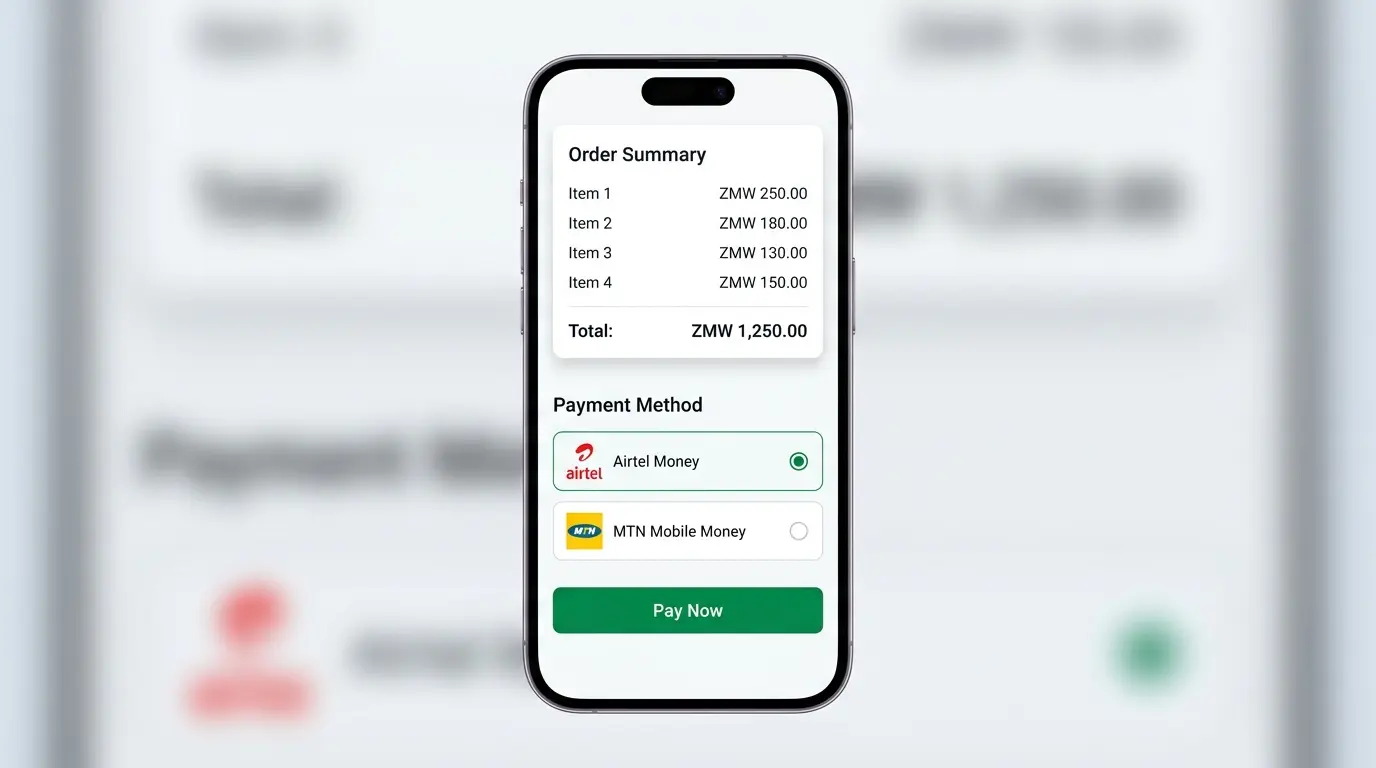
Mobile money. Connect your store to Airtel Money, Zamtel Money and MTN Mobile Money. When a customer taps “Complete Order,” a USSD prompt should pop up on their phone instantly, asking for their PIN to approve the payment. No PIN, no sale; with a prompt, it takes seconds.
Local bank cards and aggregators. Integrate trusted payment aggregators such as DPO Group, Flutterwave, or your bank’s merchant portal to handle Visa, Mastercard, and local debit cards securely.
Prices in kwacha. List everything in Zambian kwacha (ZMW). Making customers convert exchange rates at checkout is an instant conversion killer. The only math your buyer should do is deciding whether to order a second one.
Step 3: Optimize for Mobile (The Minibus Shopper)
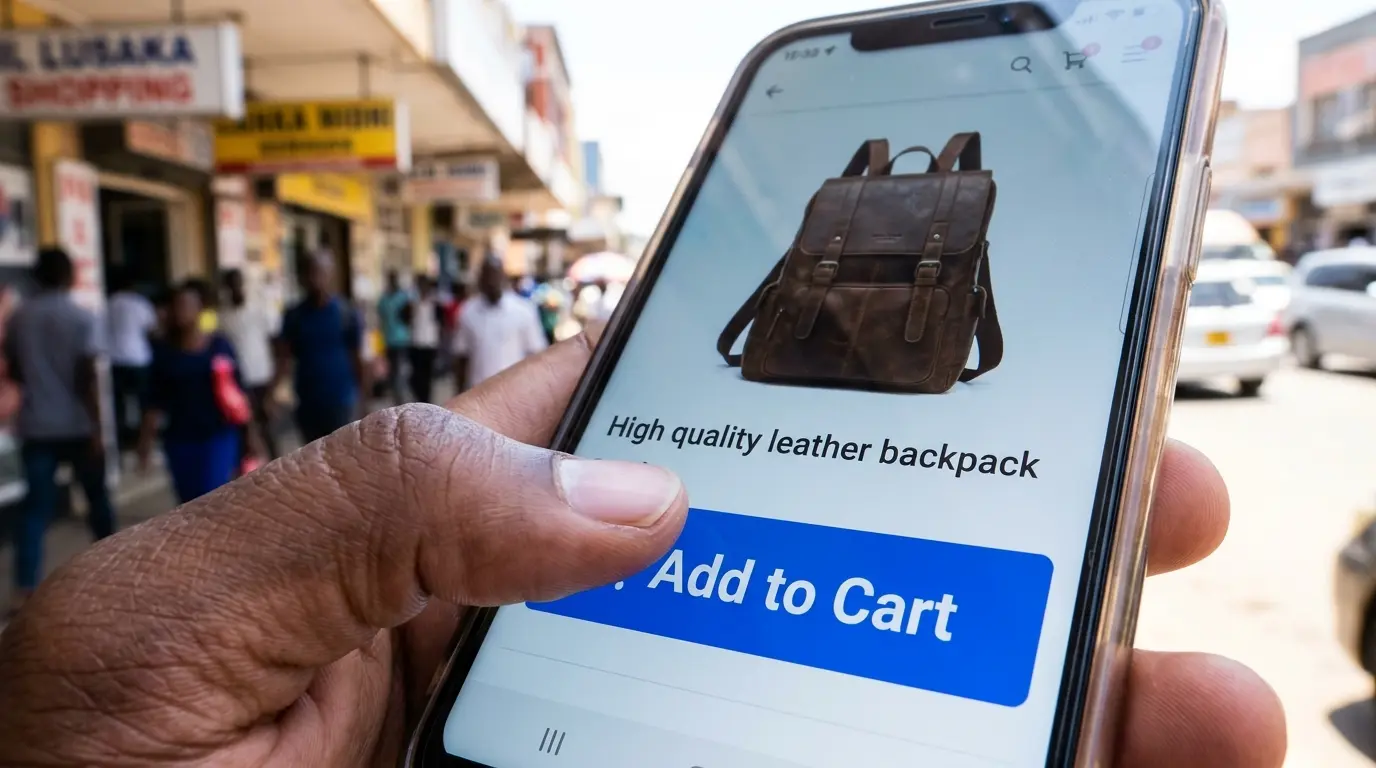
Think about how you browse on your own phone. You’re stuck in traffic on Great East Road, waiting in a bank queue, or relaxing on the couch with the remote ignored. Your customers are doing the same, and nearly all of them are on mobile, often with a network signal that comes and goes.
If your store is cluttered, takes 12 seconds to load, or forces people to pinch and zoom to read a product description, they will bounce, politely and permanently.
Compress your product images. Never upload raw 10MB camera files. Shrink them so your pages load in under three seconds.
Keep checkout short. Nobody wants to fill in 20 fields to buy a T-shirt. A checkout form should not feel like a visa application. Keep it clean, short, and thumb-friendly.
Step 4: Drive Traffic With Local E-Commerce SEO
A gorgeous store with mobile money is a big milestone, but it means nothing if nobody can find it. If you rely only on posting links in crowded Facebook groups, you will be at the mercy of algorithm changes (and of the one person in every group who comments “PM price”).
You want organic traffic from people actively searching for what you sell. That’s what e-commerce SEO delivers.
1. Optimize your categories and descriptions. Skip the generic manufacturer copy. Write unique, detailed descriptions that naturally include the words local buyers use. If you sell office furniture in Lusaka, name the category “Ergonomic Office Chairs in Lusaka,” not “Chair Model X.”
2. Capture local intent. Shoppers often search with a place in mind, like “buy solar batteries online Lusaka” or “boutique clothing store delivery Copperbelt.” Weave these long-tail phrases into your product pages and category descriptions so Google shows your store at the exact moment someone is ready to buy.
3. Claim your Google Business Profile. Link your store to a verified profile. If you have a pickup point, showroom, or warehouse in Kitwe or Lusaka, local maps optimization can bring in foot traffic and online orders at the same time.
Step 5: Master Fulfillment and Logistics
An online sale is only complete when the item is in the customer’s hands. In Zambia, that comes down to clear communication.
Set clear delivery zones. State your delivery fees and timelines before checkout. Say whether you offer same-day delivery within Lusaka, and whether provincial orders sent through trusted couriers take two to three days.
Automate order tracking. Use notification plugins that send SMS or WhatsApp updates, such as “Your order has been packed and handed to our delivery courier!” Transparency builds loyalty, and it saves you from answering “Where is my order?” forty times a day.
The 5-Step Checklist
Pick your platform (WooCommerce for most Zambian retailers).
Connect Airtel Money, MTN Mobile Money, and a card gateway, and price in kwacha.
Make the store fast and thumb-friendly on mobile.
Write local, descriptive product pages and claim your Google Business Profile.
Publish delivery zones and send automatic order updates.
Retire the DM Hustle
Moving from Facebook DMs and scattered WhatsApp chats to a real e-commerce website turns your hustle into a scalable business. You stop answering “How much?” fifty times a day, and your website processes orders, tracks inventory, and collects payments while you sleep.
Ready to count the cost? Read How Much Does an E-commerce Website Cost in Zambia? Want to make sure your technical foundation is solid from day one? See WordPress vs. Custom Build vs. Shopify: What Is the Best CMS for a Zambian Business Website?
Don’t let manual hurdles cap your market. Build your digital store, connect local payments, and open your doors to customers nationwide.
Ready to launch your e-commerce store in Zambia? Contact us today for a custom e-commerce consultation and development strategy.